
62: Camera App That Shoots RAW, 4K, and Actually Fits in 20 MB
Open Camera
Get it on Playstore Get it on the App Store
A pocket-sized studio for shooters who want DSLR control without DSLR weight. Built by a lone UK developer and open-sourced under GPLv3, Open Camera crams manual exposure, RAW capture, 4K video, focus peaking, and a live histogram into a 20 MB APK—no watermark, no subscription, just a discreet banner that vanishes if you tick “Hide ads” in settings.
First Launch
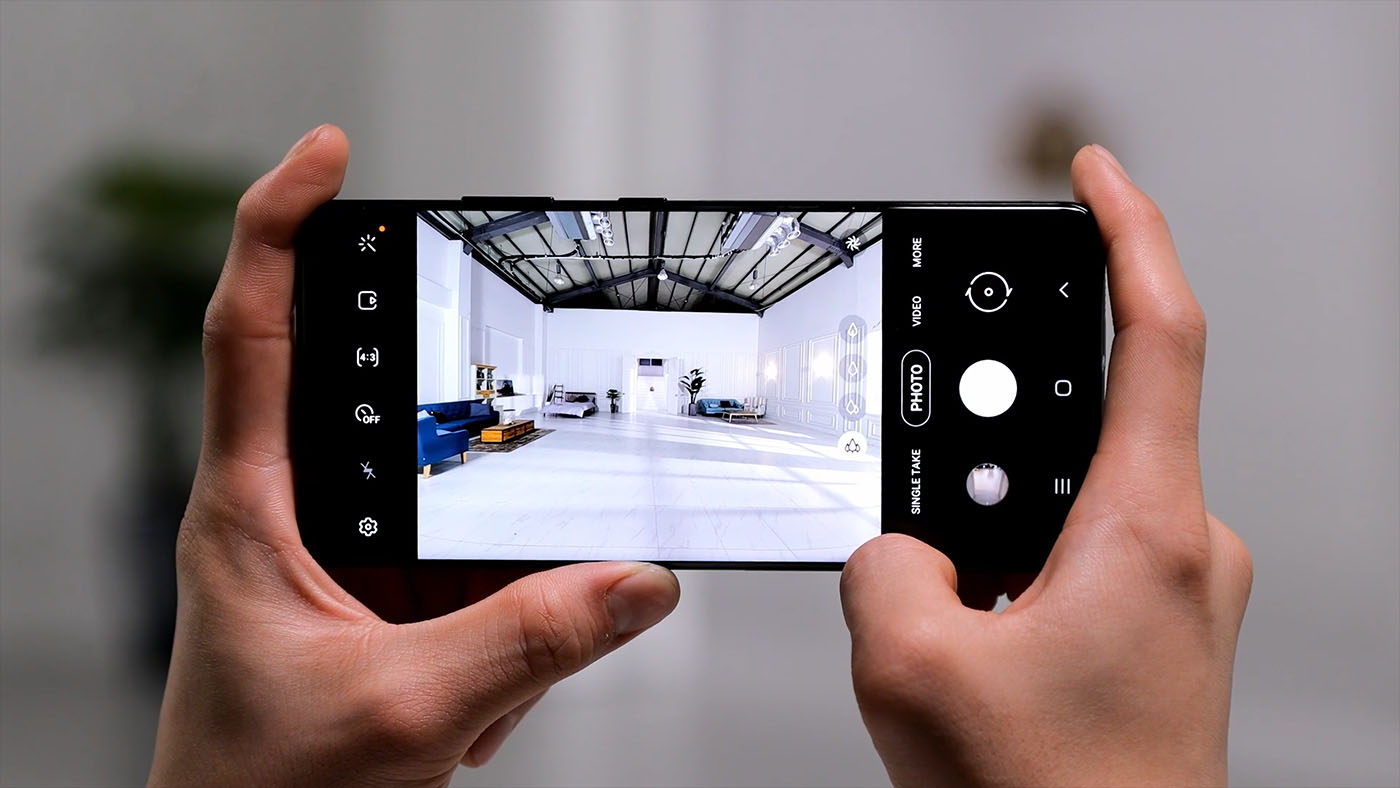
Grant Camera and Microphone; you land on a clean view-finder: live histogram top-left, grid overlay, horizon level, and a single shutter button. No sign-up, no cloud, no “unlock Pro” pop-ups.
Core Still-Photo Toolset
- RAW (DNG) + JPEG simultaneous capture on any Camera2 API device.
- Manual ISO, shutter, focus distance, white balance Kelvin.
- Focus peaking & exposure zebra overlays.
- Auto-level via gyro: keeps horizons straight even if your hand tilts.
- Burst up to 30 fps (hardware limited) with interval timer.
- Noise reduction, sharpening, contrast each dialled to zero for natural files.
- Remote trigger: volume key, headset button, USB HID, Android Wear.
Video Muscle
- 4K @ 60 fps (device permitting) with separate bitrate selector.
- Flat color profile (zero contrast/sat) for easier grading.
- Manual exposure lock during recording—handy when panning across bright skies.
- Audio source picker: cam mic, external mic, USB audio interface.
- Time-lapse & slow-motion baked in; no post-processing needed.
- Optional video stabilization (electronic or optical if the phone offers OIS).
Advanced Toys
- Focus bracketing for macro stacking; exports separate frames.
- Custom noise profiles: shoot a grey card, build long-exposure NR map.
- Live histogram, zebra stripes, grid guides, crop-overlay masks.
- Plug-in architecture: third-party devs can add motion-detection or star-trail sequencers.
- Print-to-PDF without extra plug-ins.
- KML/GPX side-car for geo-tagged photos.
Performance Footprint
An hour of 4K/30 recording consumed 11 % battery on a Pixel 7a—on par with stock camera and slightly better than Samsung’s One UI shooter. RAM use peaks at 380 MB during RAW burst; thermal throttling is rare unless you shoot 30 fps bursts for minutes.
Performance & Quality
- 4K/30: 11 % battery per hour on Pixel 7a; thermal throttling rare.
- RAW burst (10 frames) writes in 2 seconds.
- No background beauty filters = lower CPU load.
Ads & Monetization
- Small banner at bottom of settings menu only.
- “Hide ads” tick box removes it forever—no payment required.
- No watermark, no subscription, no feature pay-wall.
Privacy Posture
No analytics, no cloud, no sign-in. GPS tagging is optional and can be disabled per shot. Exported files contain standard EXIF only.
Limitations
- No night-mode magic or HDR fusion (relies on hardware pipeline).
- UI is phone-first; tablet landscape layout is simply stretched.
- No RAW editing suite; you export DNG and finish elsewhere.
- No cloud sync or collaborative features.
- Some phones (MIUI, One UI) block Camera2 API by default; RAW/manual ISO unavailable without rooting.
Pros:
- Completely free, open-source, no watermark, no subscription.
- Robust manual controls, RAW, focus peaking, zebra, histogram—rare in free apps.
- 4K/60, flat profile, time-lapse, slow-mo, focus bracketing baked in.
- Tiny installer (≈20 MB) and low battery use.
- Works offline; no cloud, no account, no analytics.
Cons:
- No night-mode or HDR fusion; relies on hardware pipeline.
- UI feels dated; cramped on small screens, no tablet layout.
- No RAW editor; you finish DNGs elsewhere.
- No cloud sync or collaborative tools.
- Some OEMs disable Camera2 API; manual controls unavailable without root work-arounds.
Who Should Tap Install
- Hobby photographers who want RAW and manual control without a subscription.
- Videographers needing flat profile, external mic, bitrate control.
- Macro shooters who rely on focus bracketing and level horizon.
- Privacy-minded users who prefer open-source code and zero telemetry.
Who Can Skip
- Users who need night-mode magic or AI HDR fusion.
- Tablet editors wanting landscape timeline and stylus precision.
- Teams that require cloud libraries or collaborative editing.
Final Frame
Open Camera is the DSLR you forgot was in your pocket: intimidating at first glance, indispensable once you learn the dials. It won’t win beauty contests, but it hands you the keys to features most phone makers lock behind pay-walls—no monthly fee, no watermark, no strings. If you believe the best camera is the one you control, tap the plain icon and start shooting raw.