
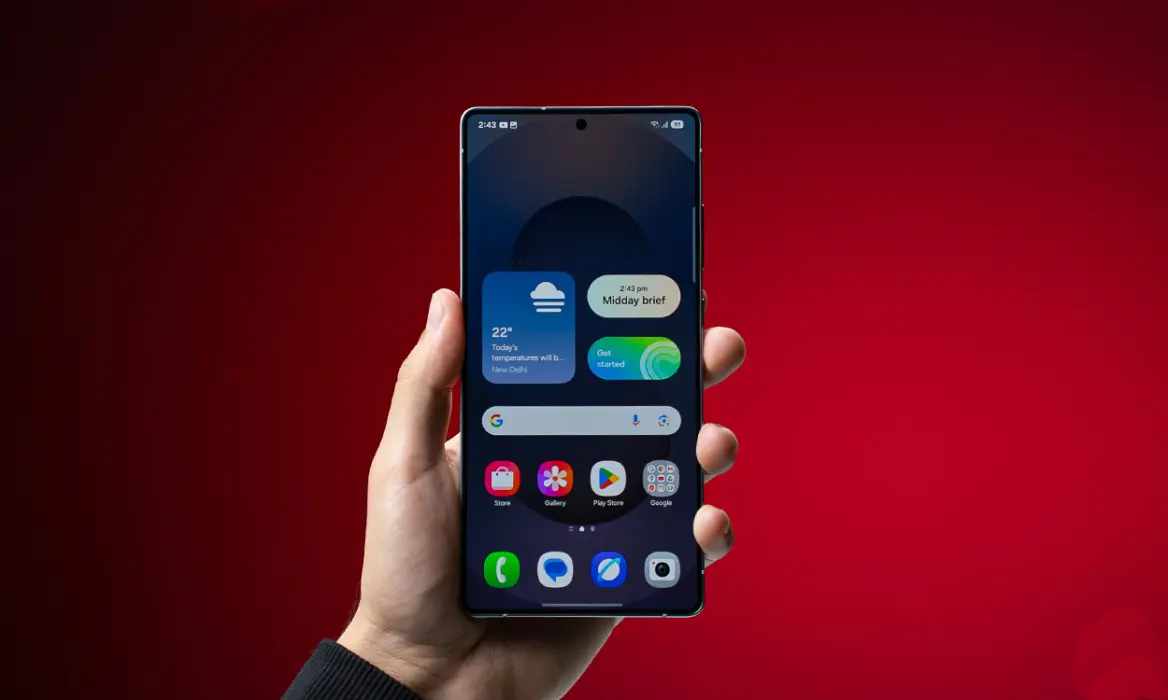
98: The Skeleton Key to Your Galaxy
Good Lock
Good Lock by Samsung Electronics is one of the most paradoxical applications in the Android ecosystem. It is simultaneously the most celebrated and most frustrating piece of software Samsung produces, a modular customization suite that transforms Galaxy devices from mass-market smartphones into deeply personal tools, yet remains stubbornly hidden from the users who would benefit most from it. With over ten million downloads and a three point nine star rating, it has cultivated a devoted following of power users who consider it the single best reason to own a Samsung phone, while leaving mainstream users completely unaware of its existence.
The app is not a customization tool in the conventional sense. It is a launcher for a constellation of separate modules, each addressing a specific aspect of the One UI experience. Users download Good Lock itself, then install individual modules for lock screen customization, notification management, keyboard theming, gesture controls, camera behavior, sound management, and dozens of other functions. This modular architecture means users install only what they need, but it also creates a fragmented experience that demands active curation.
Core Capabilities
Good Lock organizes its functionality across more than twenty distinct modules, each available as a separate download from the Galaxy Store. The scope is genuinely staggering for an official manufacturer tool.
Theme Park allows users to create custom color themes derived from their wallpapers, with independent light and dark mode palettes that propagate across the system interface. LockStar provides a WYSIWYG editor for rearranging lock screen elements, changing clock styles, adding app shortcuts, and customizing the always-on display. QuickStar redesigns the Quick Settings panel, enabling denser toggle grids, custom button colors, and the removal of persistent status bar icons that clutter the interface.
Home Up transforms the launcher experience with customizable home screen grids, app drawer layouts, folder designs, and most significantly, alternative task changer layouts for the Recents screen including grid and vertical list options that expose more apps simultaneously than Samsung's default horizontal carousel. Keys Cafe delivers granular control over the Samsung Keyboard, including custom colors, motion effects, typing sounds, alternative layouts like Dvorak and Colemak, and multi-finger gesture shortcuts for undo, redo, copy, and paste.
One Hand Operation Plus is arguably the most transformative module, replacing Samsung's basic edge gestures with a sophisticated system of short and long swipes from both screen edges in three directions each, assignable to dozens of actions including app launches, screenshot capture, notification panel access, and screen power toggling. Sound Assistant enables per-app volume control, granular volume step adjustment, Bluetooth audio sync correction, and customizable volume panel aesthetics.
NotiStar extends notification history beyond Android's built-in twenty-four hour limit, with indefinite storage, keyword search, app-based filtering, and lock screen access. Nice Catch logs every vibration, sound, toast notification, and settings change, solving the mystery of phantom phone buzzes that plague many users. Camera Assistant adds professional-grade controls including quick tap shutter, HDR aggression adjustment, lens distortion correction, and auto lens switching preferences.
MultiStar enhances split-screen and pop-up window behavior, while Routines Plus extends Samsung's Bixby Routines with more powerful automation triggers. Edge Lighting Plus adds animated notification effects, and Wonderland enables live wallpaper creation from layered images and particle effects.
What It Does Well
The app's paramount strength is depth of control that no other manufacturer offers. Google Pixel phones provide a clean Android experience with minimal customization. Chinese manufacturers like Xiaomi and Oppo offer extensive theming but lack the granular system-level tweaking that Good Lock enables. Samsung alone has built a first-party toolkit that lets users redesign virtually every interface element without rooting or voiding warranties.
The modular architecture is genuinely intelligent. Users who only want to fix the Recents screen can install Home Up and ignore everything else. Users obsessed with notification management can live in NotiStar without touching keyboard theming. This a la carte approach prevents the bloat that would result from a single monolithic app containing all features.
The quality of individual modules varies, but the best ones are transformative. One Hand Operation Plus fundamentally changes how users interact with large-screen devices, eliminating the thumb-stretching gymnastics that make modern smartphones uncomfortable. Sound Assistant's per-app volume control solves a daily frustration that stock Android has never addressed. NotiStar's searchable notification history rescues information that would otherwise be lost forever.
The official Samsung backing provides confidence that modules are tested against One UI updates and will not introduce security vulnerabilities. Unlike third-party customization tools that break with every Android version bump, Good Lock modules are maintained by Samsung and generally updated promptly for new One UI releases.
The One UI 7 redesign significantly improved discoverability. The previous interface, with its cryptic module names like QuickStar and RegiStar, confused newcomers. The updated design presents a single scrollable list with category chips and clearer descriptions, making the suite more approachable for first-time users.
Limitations and Concerns
The most significant limitation is accessibility. Good Lock is not pre-installed on Galaxy devices. It is not prominently advertised during setup. It is not available on the Google Play Store in most regions, instead residing on the separate Galaxy Store that many users never open. Samsung's own support documentation mentions it only in passing. The result is that the vast majority of Galaxy owners, likely well over ninety percent, have never heard of the tool that could most improve their phone experience. This is not accidental obscurity, it is a marketing failure that undermines Samsung's competitive differentiation.
The three point nine star rating, respectable but not exceptional, reflects genuine user frustration. Some users report performance degradation after installing multiple modules, particularly lag during unlock sequences and increased battery drain from background processes. The modular architecture, while theoretically efficient, can result in cumulative resource consumption that strains older or budget Galaxy devices.
The fragmentation between Good Lock and One UI creates confusion about where features belong. Some modules address basic functionality that should arguably be built into the operating system. The ability to delete screenshots immediately after capture, offered by Nice Shot, is a fundamental usability feature that exists in other Android skins without requiring a separate download. The per-app volume control from Sound Assistant is similarly basic. When One UI removes features and relegates them to Good Lock, users feel nickel-and-dimed by their own manufacturer.
Module quality is inconsistent. Some modules like Theme Park and One Hand Operation Plus are polished and frequently updated. Others feel abandoned, with outdated interfaces and limited functionality. The Edge Touch module, for example, duplicates functionality already present in One UI settings with minimal added value. Users must invest time in discovering which modules are worth their attention.
The learning curve is substantial. Each module has its own interface conventions, settings organization, and interaction patterns. A user who masters Home Up must still learn the distinct logic of QuickStar, LockStar, and RegiStar. This cognitive overhead rewards dedicated enthusiasts but repels casual users who want simple, unified controls.
Regional availability remains problematic. Good Lock is officially supported in limited markets, with users in some countries resorting to third-party launchers like NiceLock to access modules unofficially. This geographic fragmentation is inexplicable for a tool that could serve as a global competitive advantage.
The beta and experimental nature of some modules means features can disappear or change without warning. Users who build workflows around specific functionality may find their setup broken by a One UI update that deprecates a beloved module.
Competitive Positioning
Against Google Pixel's customization options, Good Lock wins comprehensively. Pixel phones offer wallpaper theming, icon shape selection, and basic color palette adjustment. Good Lock offers orders of magnitude more control across every interface element. This gap is so significant that Android Authority described Good Lock as the single reason they cannot switch to Pixel despite preferring Google's cleaner software experience.
Against Chinese manufacturer customization tools like Xiaomi's MIUI themes or Oppo's ColorOS personalization, Good Lock wins on system-level depth but loses on ease of discovery and unified interface. Chinese skins often integrate customization more seamlessly into settings menus, while Samsung's modular approach requires active hunting and installation.
Against third-party launchers like Nova Launcher or Niagara Launcher, Good Lock offers deeper system integration at the cost of flexibility. Third-party launchers can redesign home screens and app drawers more radically, but they cannot touch the Quick Settings panel, notification shade, or system gestures that Good Lock modifies.
The fundamental reality is that Good Lock has no true competitor because no other manufacturer offers equivalent first-party customization depth. It is Samsung's secret weapon, hidden so effectively that most users never discover it.
Target Audience
Good Lock is ideal for power users, customization enthusiasts, and anyone who finds One UI's default behavior constraining. It serves large-device owners who need gesture controls for comfortable one-handed use, productivity-focused users who want granular notification and sound management, and creative users who want their device to reflect personal aesthetic preferences.
It is not recommended for casual users who want their phone to work without configuration, users on older Galaxy devices with limited processing power, or anyone frustrated by fragmented software experiences. Users who prefer clean, simple interfaces will find Good Lock overwhelming rather than liberating.
Verdict
Good Lock is simultaneously Samsung's greatest software achievement and its most poorly marketed product. The depth of customization it enables is unmatched in the smartphone industry, transforming Galaxy devices from generic Android phones into genuinely personal tools. The best modules, One Hand Operation Plus, Home Up, Sound Assistant, and NotiStar, address real daily frustrations that stock Android ignores.
Yet the three point nine star rating reflects legitimate user grievances. The app is too hard to find, too fragmented to navigate, and occasionally too resource-heavy to run smoothly. The strategy of removing basic features from One UI and hiding them in Good Lock modules feels cynical rather than generous.
For users who discover Good Lock and invest the time to master it, the payoff is extraordinary. For users who never find it, Samsung has failed to deliver the full value of its own ecosystem. The app is a masterpiece buried under poor distribution strategy.
Rating: Seven point five out of ten. An essential toolkit that defines the Samsung Galaxy experience for power users, undermined by inexcusable obscurity, inconsistent module quality, and occasional performance overhead. Recommended without reservation for Galaxy owners willing to explore. Not recommended for users seeking simplicity or those on resource-constrained devices.