
100: The Bridge Between Every Phone You Have Ever Owned
Samsung Smart Switch Mobile
Get it on Playstore Get it on the App Store
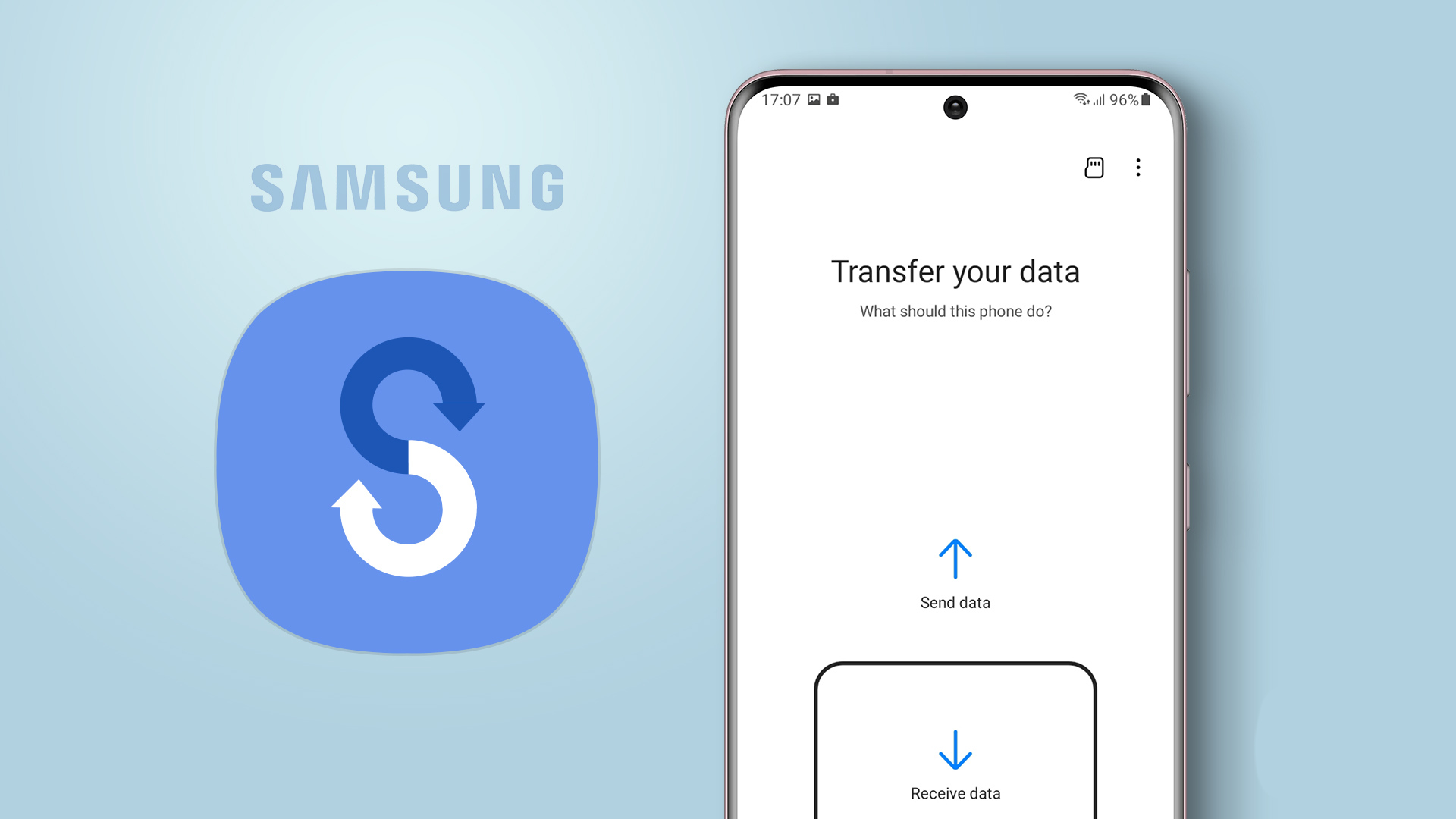
Samsung Smart Switch Mobile by Samsung Electronics Co., Ltd. is a device migration utility that has become a quiet giant in the Android ecosystem. With over a billion downloads and a four point six star rating across more than half a million user reviews, it ranks among the most trusted utilities on the Play Store, an unusual achievement for a tool whose only real purpose is to make a single moment of device ownership easier. The app is designed to do one thing exceptionally well: transfer the contents of an old phone to a new Samsung Galaxy device, including contacts, messages, photos, videos, music, applications, calendars, notes, and device settings. It does this through wireless Wi-Fi Direct connections, USB cable transfers, or through a paired desktop companion, accommodating the practical realities of modern device migration where users may not have identical cables, identical accounts, or identical patience.
The app is positioned for users transitioning into the Samsung ecosystem, whether from an older Samsung device or from another Android manufacturer, and for users who have purchased a new Galaxy phone and want to preserve the digital life accumulated on their previous device. It is not a backup solution, not a cloud sync service, and not a permanent transfer utility. It is a one-time bridge, designed to be used briefly during the anxious first hour with a new phone, then largely forgotten.
Core Capabilities
The app's primary function is content migration, executed through three distinct transfer pathways. The wireless method uses Wi-Fi Direct to establish a peer-to-peer connection between two devices, allowing direct transfer without routing data through external servers. This approach preserves privacy and avoids dependency on internet connectivity, useful for users with limited data plans or unreliable network access. The USB cable method uses a wired connection between the two devices via an OTG adapter, providing faster transfer speeds and greater reliability for large data volumes. The PC or Mac method exports content from the old device to a computer, then imports it to the new device, accommodating situations where the two phones cannot be physically connected.
Supported content types span the practical universe of smartphone data. Contacts transfer with their associated metadata, including phone numbers, email addresses, notes, and group memberships. Messages, including SMS and MMS conversations, migrate with timestamps intact. Photos and videos transfer in their original resolution and format, with album structures preserved. Music files, documents, application data where permitted by the operating system, call logs, calendars, alarms, memos, and device settings including Wi-Fi passwords and home screen layouts all fall within the migration scope.
The app includes a compatibility check feature that scans the source device and reports which content types can be successfully transferred. This is honest engineering, recognizing that not all data is portable, particularly application data from apps that use platform-specific encryption or that have not implemented Android's backup frameworks. The transfer progress display shows real-time status for each content category, allowing users to monitor which items have completed and which remain.
A companion desktop application extends the app's functionality for users who prefer computer-mediated transfers. Samsung Smart Switch for PC and Mac allows iOS device transfers, although the Android version itself focuses exclusively on Android-to-Samsung migration, with limited support for iOS-to-Samsung transfers through alternative pathways.
What It Does Well
The app's greatest strength is its reliability in a category where reliability is rare. Data migration tools frequently fail partway through transfers, corrupt files, or lose metadata in translation. Smart Switch's billion-download scale and four point six star rating reflect a track record of successful migrations, a remarkable achievement for software handling the most emotionally loaded moment of smartphone ownership, the moment when a user's entire digital history is at risk.
The privacy approach is genuinely user-friendly. By using Wi-Fi Direct for wireless transfers, the app keeps data local to the two devices involved. Nothing is uploaded to Samsung's servers, nothing passes through third-party infrastructure, and nothing is retained after the transfer completes. For privacy-conscious users, this approach respects the principle that personal data should not take detours through corporate servers when direct transfer is technically feasible.
The comprehensive content support eliminates the need for multiple migration tools. Users do not need separate apps to transfer photos, another for contacts, another for messages. Smart Switch consolidates the entire migration into a single workflow, reducing complexity and the anxiety that comes with juggling multiple tools during an already stressful device transition.
The interface is refreshingly simple. The app presents clear instructions, large touch targets, and a linear workflow that guides users from connection establishment through content selection to transfer completion. Users who are not technically sophisticated can complete a full migration without consulting documentation, an important consideration for the broad demographic of users who upgrade phones but do not consider themselves technical.
The PC and Mac companion extends the app's utility in scenarios where direct device-to-device transfer is impractical. Users with very large media libraries, users migrating across different network environments, or users who simply prefer the reassurance of computer-mediated transfer have a viable alternative path.
The compatibility check before transfer is a thoughtful feature. Rather than beginning a transfer that may fail partway through, the app tells users upfront which content types will transfer successfully and which will not, allowing them to plan alternative strategies for unsupported content.
The app is free, with no premium tier, no subscription, and no in-app purchases. For a tool that is essential during device transitions and useless the rest of the time, this pricing model is appropriate. Users do not need to navigate paywalls during a moment of urgency.
Limitations and Concerns
The most significant limitation is platform specificity. Despite the app's universal-sounding name, it is designed primarily to transfer data to Samsung Galaxy devices. Users migrating between two non-Samsung Android devices cannot use it as a general-purpose Android migration tool. This brand-specific positioning, while understandable from a business perspective, creates confusion for users who download the app expecting broader Android compatibility, only to discover that the destination device must be a Samsung product.
The Android-to-Samsung transfer, while the app's primary use case, has notable limitations. Application data transfer is restricted by Android's security architecture. Apps that use platform-level encryption, apps that have not implemented Android's backup framework, and apps from developers who explicitly disable backup support will not transfer their data. This means that game progress, chat histories in third-party messaging apps, and other app-specific data may not survive the migration, requiring users to log in again to each affected app and reconfigure their settings.
iOS to Samsung transfers, while possible through the PC companion, are more cumbersome than the Android-to-Android workflow. iCloud integration, iMessage history, and certain iOS-specific data structures do not transfer cleanly, leaving gaps that users must address manually. The app's strength in the Android migration category does not extend fully to cross-platform transitions.
Wi-Fi Direct transfers, while private, can be slow for large data volumes. Users with extensive photo libraries, large video collections, or significant application data may find the transfer taking several hours. The app does not always handle connection interruptions gracefully, occasionally requiring users to restart the entire transfer process if the wireless connection drops partway through.
The app is tied to Samsung's ecosystem in ways that may not be immediately obvious. While the app is published by Samsung Electronics and is freely available on the Play Store, its primary utility is realized only when transferring to a Samsung device. Users who later decide to leave the Samsung ecosystem for another Android manufacturer will find no equivalent migration tool from Samsung to assist with the next transition.
Version compatibility issues can complicate transfers between devices running significantly different Android versions. While the app handles most version combinations competently, edge cases involving older Android versions, custom ROMs, or heavily modified device firmware can produce transfer failures or partial migrations.
The app's secondary features, including its integration with Samsung Cloud and its offer to install recommended Samsung apps on the new device, blur the line between utility and marketing. Users who want a pure migration tool may find the cross-promotion of Samsung services distracting, particularly during a moment when they simply want their old phone's contents on their new phone without additional decisions.
The four point six star rating, while excellent, masks a meaningful subset of negative reviews related to specific transfer failures, lost data incidents, and incompatibility with particular device models. While these reviews represent a small percentage of total user feedback, they underscore the inherent risk of any data migration process and the importance of independent backups before initiating a transfer.
Competitive Positioning
The Android data migration category lacks strong, widely trusted alternatives to Smart Switch. Google's own transfer tools, available through certain Pixel and stock Android devices, offer similar functionality but are tied to Google's ecosystem and do not always integrate cleanly with Samsung devices. Manufacturer-specific transfer tools from other Android brands, including Xiaomi's Mi Mover, Huawei's Phone Clone, and OnePlus's Clone Phone, serve their respective ecosystems but do not provide a unified migration path into Samsung.
Third-party migration tools exist but lack Smart Switch's scale and reliability. Apps like Dr. Fone, MobileTrans, and similar utilities offer cross-platform migration capabilities but typically require payment, desktop software installation, and trust in less-established developers. For users staying within the Android ecosystem, particularly those migrating to Samsung, Smart Switch's combination of free pricing, established developer backing, and proven reliability is difficult to match.
Against cloud-based backup and restore approaches, including Google Drive, Samsung Cloud, and third-party services, Smart Switch offers a one-time direct transfer without requiring users to upload their entire data set to remote servers. This local-first approach appeals to users with limited cloud storage, users with privacy concerns, or users with data volumes too large for practical cloud transfer.
Against professional data recovery services, Smart Switch is not a substitute. The app is designed for planned migrations, not for data recovery from damaged or non-functional devices. Users with broken source devices need different tools entirely.
Target Audience
The app is ideally suited for users upgrading from an older Samsung device to a new Samsung device, users transitioning from another Android manufacturer to their first Samsung phone, and users purchasing a Samsung tablet who want to integrate it with their existing Samsung smartphone. It is also valuable for users setting up a Samsung device as a gift for a family member, allowing the recipient's previous data to be pre-loaded onto the new device before presentation.
It is not recommended for users who need general-purpose cross-platform data transfer beyond the Samsung destination, users migrating from non-functional devices, or users seeking a permanent backup solution. The app is a tool for a specific moment, and using it outside that moment produces disappointing results.
Verdict
Samsung Smart Switch Mobile is a focused, reliable utility that has earned its billion-download scale through consistent performance in a high-stakes user moment. The four point six star rating reflects genuine user satisfaction with a tool that does its single job well, transfers data between phones without losing or corrupting the contents that matter most.
The app is not glamorous. It does not offer creative features, social functionality, or entertainment value. It exists to make one of the most anxiety-inducing moments of smartphone ownership, the transition to a new device, as painless as possible. By that measure, it succeeds admirably.
For Samsung users, the app is essential and recommended without reservation. For users considering Samsung devices, the migration experience is one of the ecosystem's genuine strengths, a practical benefit that the competition does not match. For users outside the Samsung ecosystem, the app is irrelevant to their migration needs, but the existence of such a polished tool is a quiet acknowledgment that device transitions matter, and that getting them right builds lasting user trust.
Rating: Eight out of ten. A reliable, focused, well-executed migration utility that fulfills its specific purpose with competence and respect for user privacy. Constrained by its Samsung-specific destination focus, occasional transfer limitations with app data, and dependence on stable wireless connections for the most convenient workflow. Recommended without hesitation for any user migrating to a Samsung Galaxy device.