
18: The Most Popular Typing Experience in the World
Gboard - the Google Keyboard
Get it on Playstore Get it on the App Store
With a staggering 10 billion+ downloads and 17.5 million reviews maintaining a robust 4.6-star rating, This isn't just popular app. it's basically ubiquitous. If you have an Android phone, chances are you've already used this app or had it pre-installed on your phone. It's not merely a keyboard app, it has become the default typing experience for much of humanity's digital communication.
The Keyboard That Conquered the World
Gboard's domination of the keyboard app universe is not an accident. Designed by Google using the resources, research, and user data of one of the world's largest technology companies, Gboard is the product of years of refining with feedback from billions of users. It's the result of Google applying its machine learning expertise, predictive models, and user interface engineering to one of the most mundane smartphone tasks: typing.
The app has actually set the bar higher for what consumers expect from mobile keyboards. Features that were revolutionary in their day when Gboard first introduced them—native Google Search, GIF support, emoji prediction, multilingual typing—have become the bare minimum that others have to match.
Glide Typing: Gboard's hallmark feature is one where the user can write by gliding their finger over letters instead of tapping on individual ones. This gesture typing greatly enhances the speed of typing once learned, allowing messages to be composed with one hand while the user is performing other activities.
Voice Typing: Built-in speech-to-text capability translates spoken language into text with remarkable accuracy. Google's voice recognition engine, tuned through years of Search and Assistant product development, renders dictation a valid alternative to typing for much content.
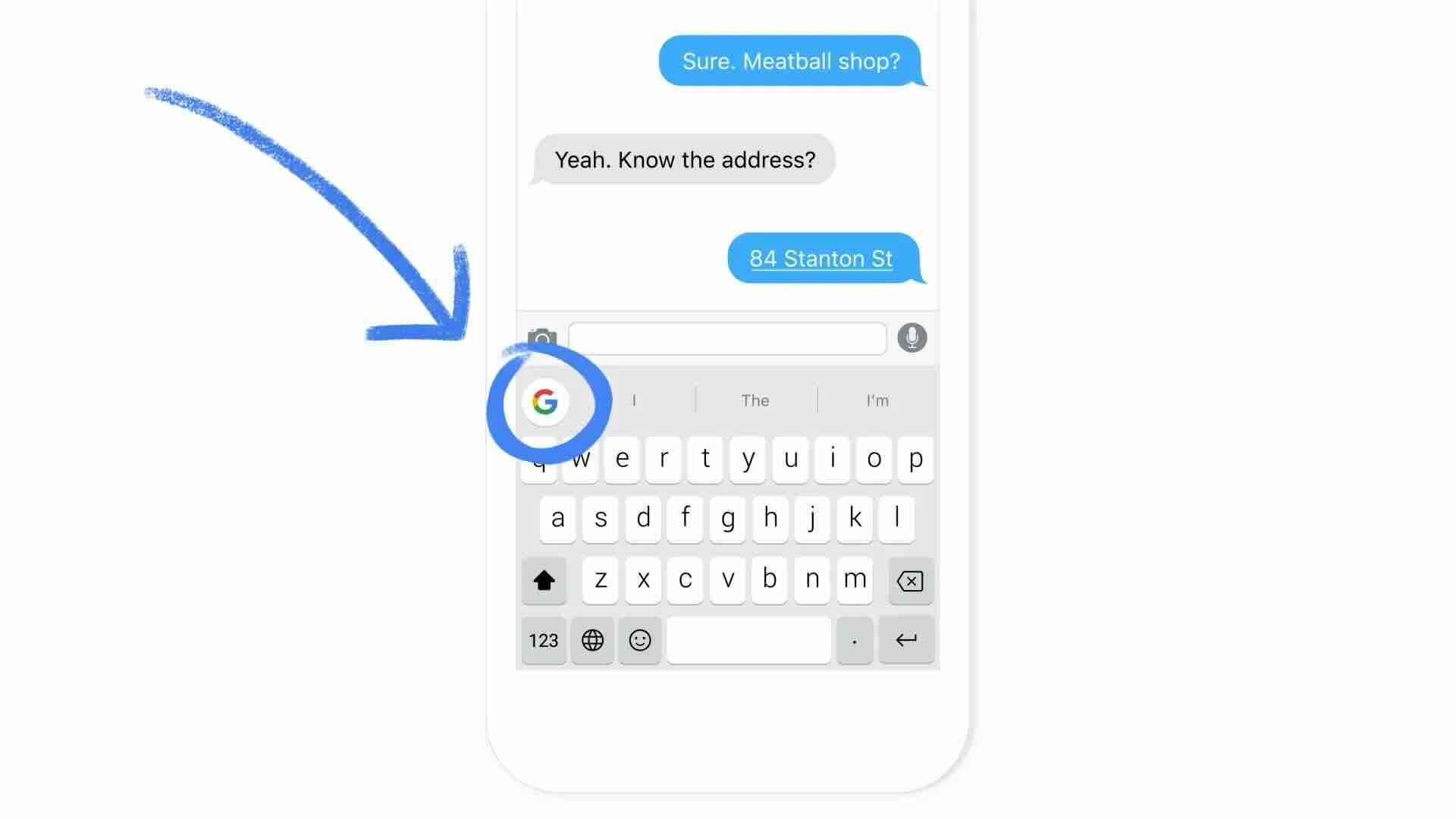
Google Search Integration: Without even having to leave your current app, you can search for facts, restaurants, the weather, directions, or just about anything else directly from the keyboard. This close integration eliminates the chronic app-switching that once characterized mobile multitasking.
Smart Predictions: The text prediction engine learns from your typing patterns, frequently typed phrases, and context to show you word and phrase suggestions with remarkably high accuracy. The more you use Gboard, the better its predictions are.
Multilingual Support: Gboard supports hundreds of languages with the ability to type in multiple languages simultaneously without manually switching keyboards. It recognizes which language you are typing and predicts accordingly—very handy for multilingual or bilingual people.
Rich Content Integration: Far from plain text alone, Gboard provides easy entry to emoji, GIFs, stickers, and even meme tools. The emoji search feature enables you to find the perfect emoji by typing in descriptive words rather than navigating through a vast array of categories.
Privacy and Data Considerations
As a Google product, Gboard can't help but be privacy-inducing. The keyboard observes all that you enter—messages, passwords, searches, emails—making it likely the most intimate app on your device. Google maintains that Gboard can work in full on-device mode and not send what you type to its servers, with personalization data stored locally.
However, voice typing, integration with Google Search, and more accurate predictions do involve sending data to Google servers. The app's privacy settings allow individuals to control what they send, with the ability to disable personalization features in their entirety if convenience is lost to privacy.
Users must balance for themselves whether Gboard's functionality is worth the implied trust that comes with allowing Google's keyboard to manage all text input. To users already heavily invested in Google's ecosystem, it may be little additional risk. Privacy-minded users might stick with open-source alternatives but at the expense of functionality.
Performance and Reliability
Gboard works beautifully well on a wide range of devices, from high-end phones to budget phones. The keyboard responds to input, predictive typing suggestions are provided with no apparent delay, and the app does not hang or crash all that frequently. That reliability matters—keyboard crashes during high-priority communication can be maddening.
The app's consumption of resources is acceptable, but it does take more battery and consumes more memory than ultra-minimal keyboard alternatives. For most, the performance to feature ratio is an acceptable trade-off.
Options for Customization
While not as deeply customizable as some specialist keyboard apps, Gboard does offer reasonable personalization. Users may select from several themes, adjust keyboard height, enable or disable key borders, alter long-press delays, and make many input adjustments.
The theming system does allow for plain color selection and personal images as keyboard backgrounds. Users who need more in-depth visual customization, however, may find Gboard falling short of apps that are all about looks personalization.
What Could Be Better
Even at its market dominance, Gboard is not perfect. Clip history, as convenient as it is, still remains second-tier compared to mature specialized clipboard managers. Split keyboard mode for tablet users is an afterthought to iPad keyboard designs. Power-user-friendly deep customization still doesn't exist for those who desire more precision.
A few users see occasional annoyance with autocorrect when Gboard "fixes" on intentionally spelled words or is unable to acquire personal words even after frequent use. The overly aggressive autocorrect sometimes replaces correctly spelled words with wrong words based on too aggressive predictions.
The app grows in size over time as features accumulate, so it is relatively chunky compared to spartan competitors. Updates sometimes introduce bugs or change behaviors people had grown accustomed to, and temporary irritations follow until fixes are implemented.
Pros:
- Universal support for almost all Android devices and applications
- Glide typing for fast one-handed input
- Excellent prediction accuracy that improves over time
- Multilingual support for hundreds of languages with automated language detection
- Integrated Google Search avoiding app switching
- Voice typing with industry-leading accuracy
- Rich content with GIFs, emoji, and stickers
- Regular updates with fresh features and enhancements
- Free of ads with no subscription cost
- Reliable performance across device categories
- Backed by Google promising long-term development and support
Cons:
- Fewer customization options than specialty keyboard apps
- Larger app size compared to minimal alternatives
- Autocorrect may be too aggressive resulting in unwanted corrections
- Needs Google services limiting applications in some areas of the world or circumstances
- Feature overload with functions that few people ever employ
- Bugs on occasion after major revisions
- Less innovative than it once was as features become standard
The Alternative Question
With billions of downloads, few users ever considered Gboard alternatives seriously. Some alternatives like SwiftKey, Samsung Keyboard, and others are adept at various sets of features and principles. Users concerned with privacy might like open-source keyboards like OpenBoard or AnySoftKeyboard even with reduced functionality.
Nevertheless, for the typical mainstream user, it is difficult to look beyond Gboard's functionality, stability, and Google ecosystem integration. The network effects and development mindshare that drive Gboard create wide competitive moats that smaller developers cannot bridge.
Final Verdict
Its 10+ billion downloads are proof enough—it is the go-to Android keyboard experience and there's a reason for it. The app does an excellent job of balancing feature richness with usability, offering solid features that actually boost typing productivity and communications options without overwhelming the common user.
Google's continued investment assures Gboard is updated regularly, patched for security, and feature-enhanced with new goodies that maintain competitiveness. The integration of the wider Google ecosystem brings contexts other alternative keyboards can't easily compete with.
For the majority of Android users, Gboard is the best choice—familiar, powerful, and trusty. You are either a casual user who likes efficient predictions and convenient emoji selection, or a power user making use of voice typing and multilingual capabilities; in either case, Gboard serves you well.
The privacy concerns are legitimate and must not be underestimated, but for users already working with Google services on a regular basis, Gboard's access to data poses little added risk compared to possible benefits.
Rating: 4.5/5 - The world's best-loved keyboard app earns that distinction through comprehensive features, rock-solid performance, and seamless Google integration. Small compromises on privacy concerns and lack of personalized touches don't detract from its position as the default for hundreds of millions of users worldwide.