
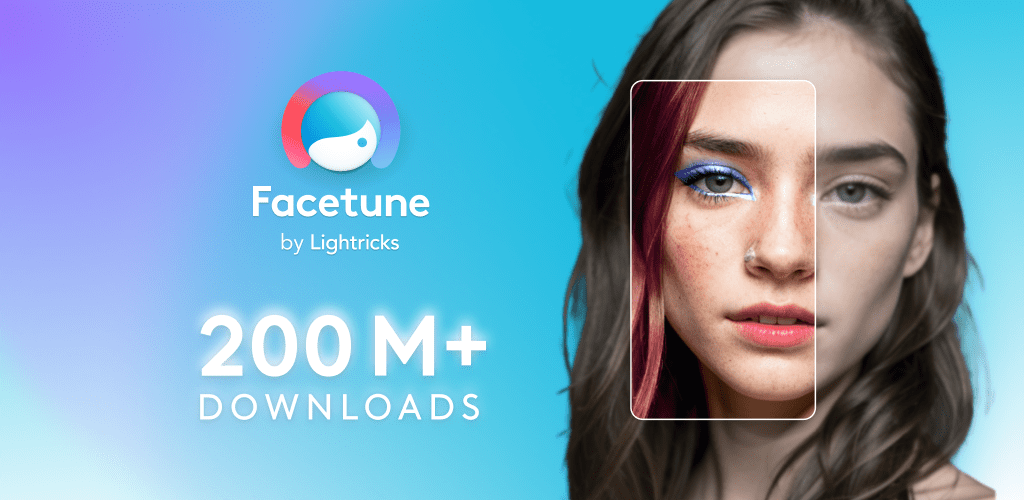
Facetune: Professional Portrait Retouching Made Simple
Facetune
Get it on Playstore Get it on the App Store
Facetune has revolutionized portrait photography by bringing professional retouching tools to mobile devices. This comprehensive review examines the app's capabilities, ease of use, and effectiveness in creating polished, natural-looking portraits for both personal and professional use.
Core Retouching Tools
Facetune provides an extensive suite of retouching tools including skin smoothing, blemish removal, teeth whitening, and eye enhancement. The app's "Patch" tool allows users to remove unwanted elements while maintaining natural texture, while "Smooth" provides subtle skin refinement without creating artificial-looking results.
Advanced Features & Precision
The app offers advanced features like facial reshaping, hair color changes, and makeup application. The "Reshape" tool allows subtle adjustments to facial features while maintaining natural proportions. Facetune's precision tools enable detailed work on specific areas without affecting the overall image.
User Interface & Workflow
Facetune's interface is designed for efficiency, with intuitive controls and logical tool organization. The app provides before-and-after comparisons and allows users to work on specific areas with precision. The workflow is optimized for mobile devices, making professional-quality retouching accessible to users of all skill levels.
Export Quality & Formats
The app maintains high image quality throughout the editing process, with options to export in various resolutions suitable for different use cases. Facetune preserves image details while applying enhancements, ensuring that final results look natural and professional.
Pros:
- Professional-grade retouching tools in mobile format
- Intuitive interface suitable for beginners and professionals
- High-quality results that maintain natural appearance
- Comprehensive toolset for portrait enhancement
- Precise control over specific areas and features
- Excellent for social media and professional photography
- Regular updates with new features and improvements
Cons:
- Premium features require subscription
- Can be overwhelming for casual users
- Processing time may vary based on device capabilities
- Some advanced features have learning curves
- Limited batch processing capabilities
- Requires practice to achieve natural-looking results
- May encourage unrealistic beauty standards
Performance Analysis
Facetune performs efficiently on modern devices, with processing times varying based on image complexity and device specifications. The app is well-optimized for mobile hardware and demonstrates good battery efficiency during extended editing sessions.
User Experience Analysis
The user experience is designed to make professional retouching accessible to users of all skill levels. The app provides guidance and tutorials for new users while offering advanced features for experienced editors. The interface adapts well to different screen sizes and orientations.
Professional Applications
Facetune serves various professional applications including portrait photography, social media content creation, and marketing materials. The app's capabilities make it suitable for photographers, influencers, and marketing professionals who need high-quality portrait enhancement.